
01
Share from ChatGPT
Your conversations, kept.
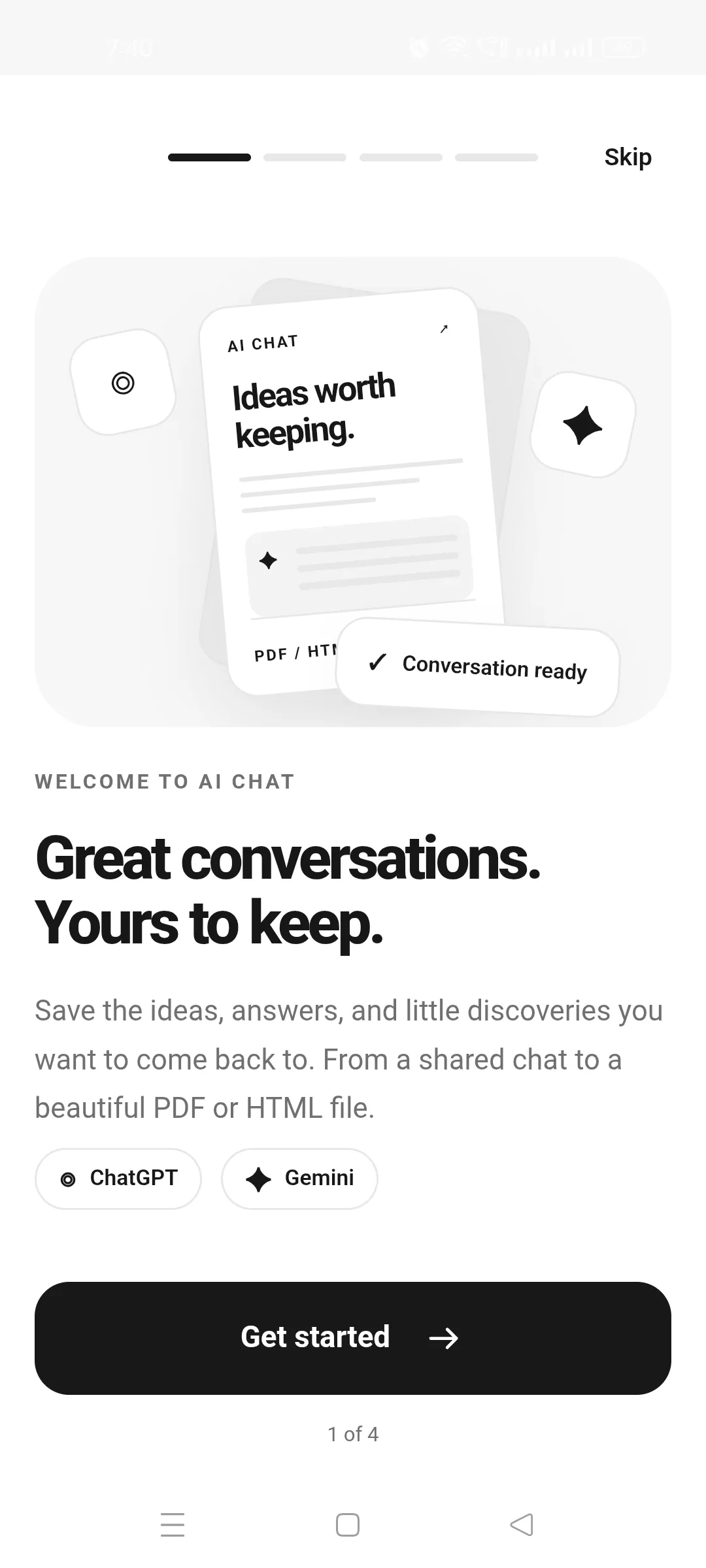
Save the ideas, answers, and little discoveries you want to come back to. Turn a shared ChatGPT or Gemini conversation into a clean PDF or HTML file.
2 formatsPDF and HTML
2 platformsChatGPT and Gemini
No API keyExport without setup
Stored locallyYour own export library
A short path from chat to file
Create a public conversation link in ChatGPT or Gemini.
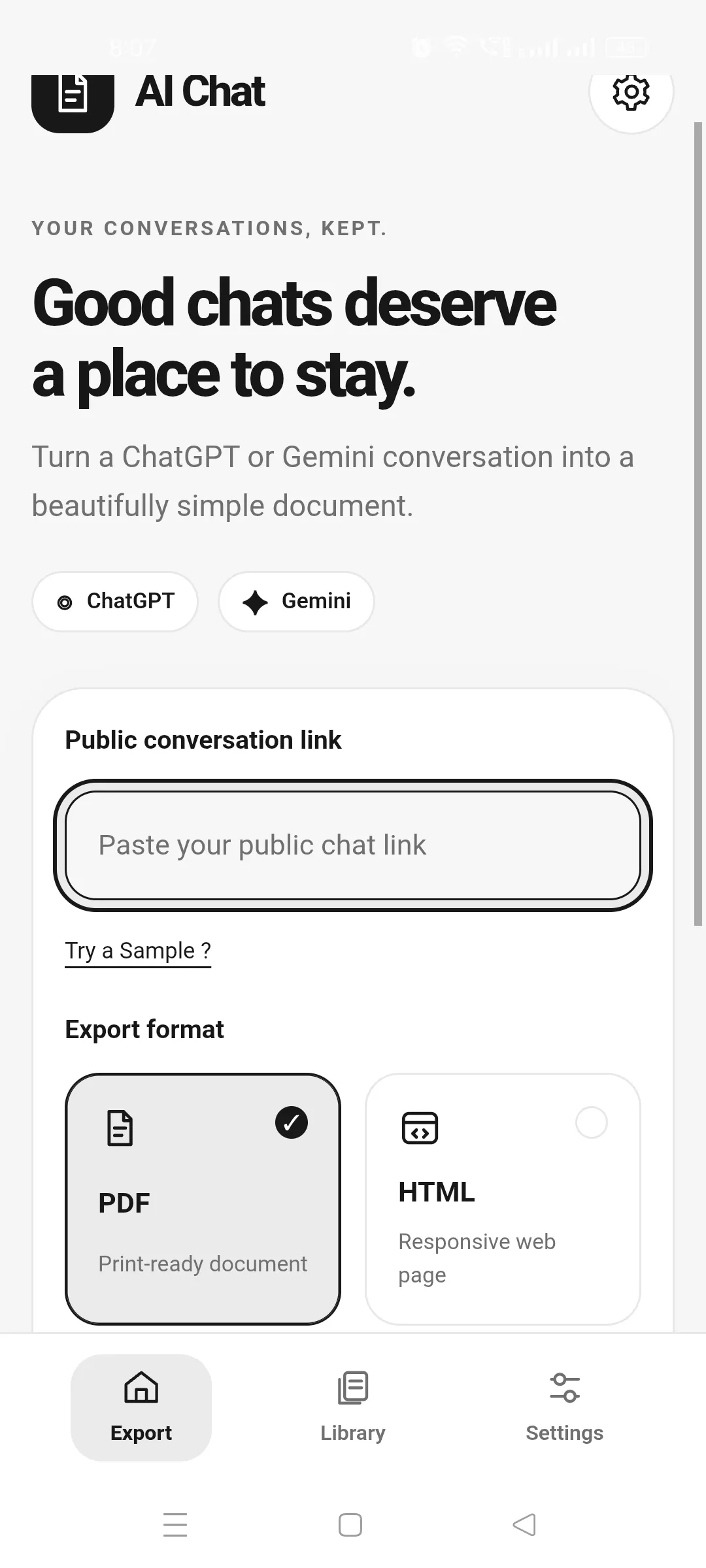
Pick PDF for a fixed document or HTML for flexible reading.
Save the finished file locally, then open or share it anytime.
Share from either app
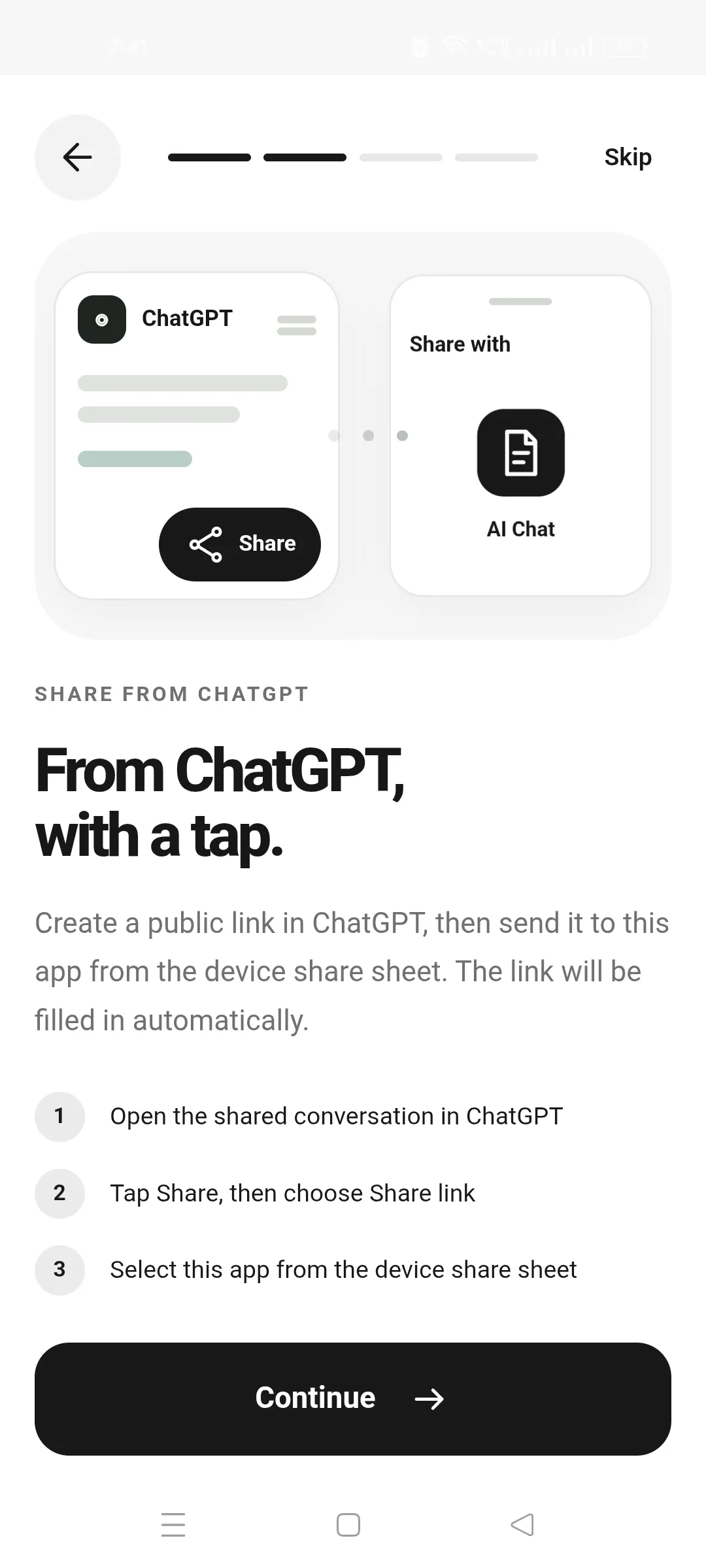
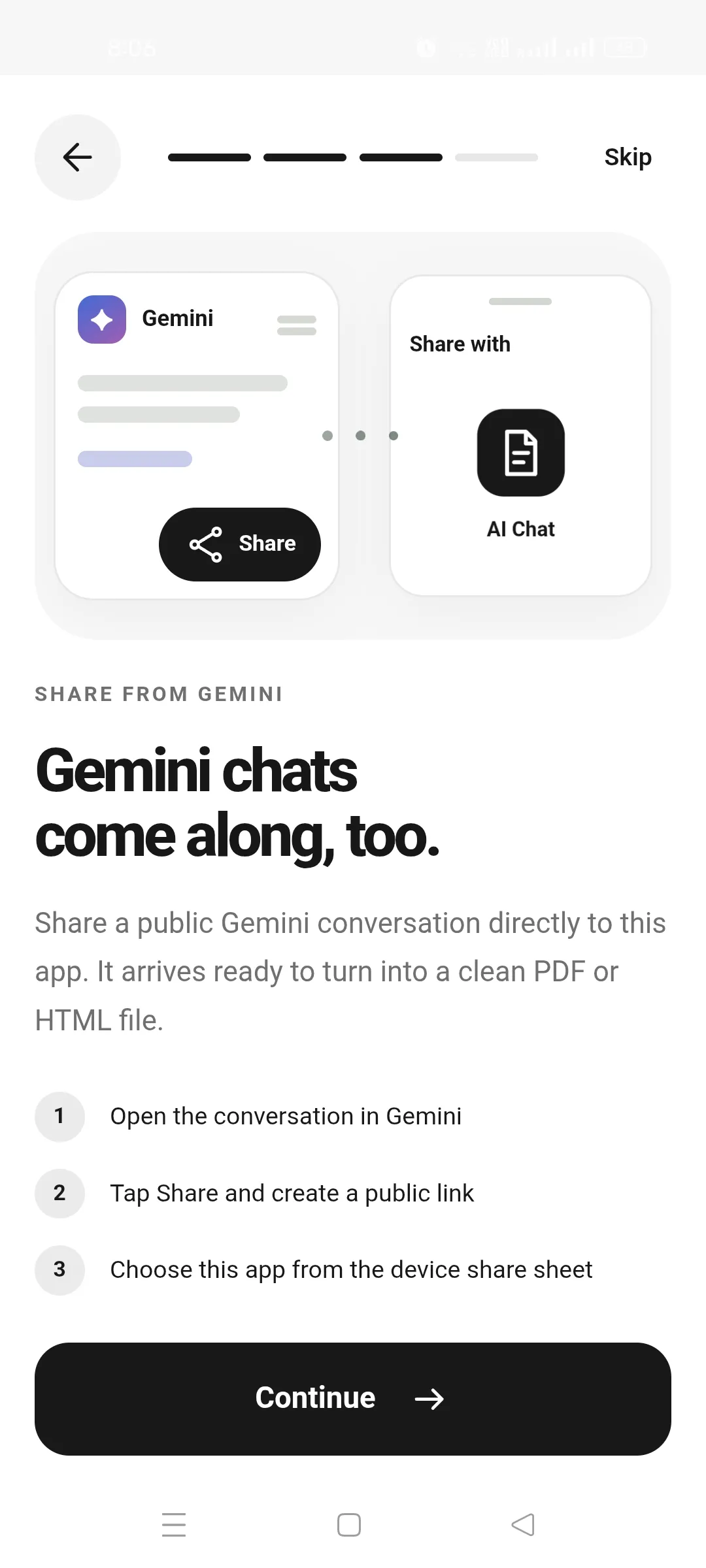
Create a public link, then send it to AI Chat Exporter from the Android share sheet. The link arrives ready to use.
Share from ChatGPT
Share from Gemini
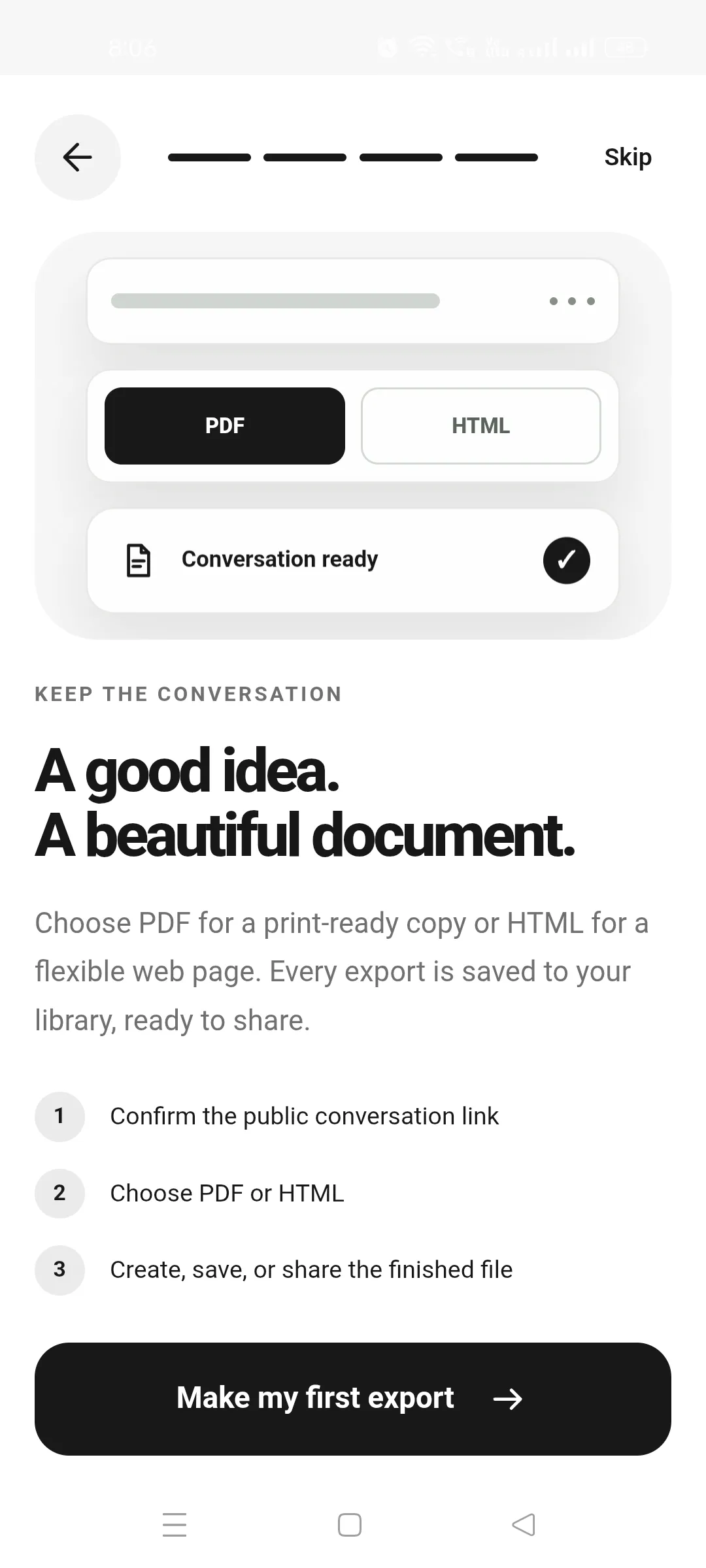
A good idea. A beautiful document.
PDF gives you a polished, print-ready copy. HTML gives you a responsive page that stays comfortable to read on any screen.
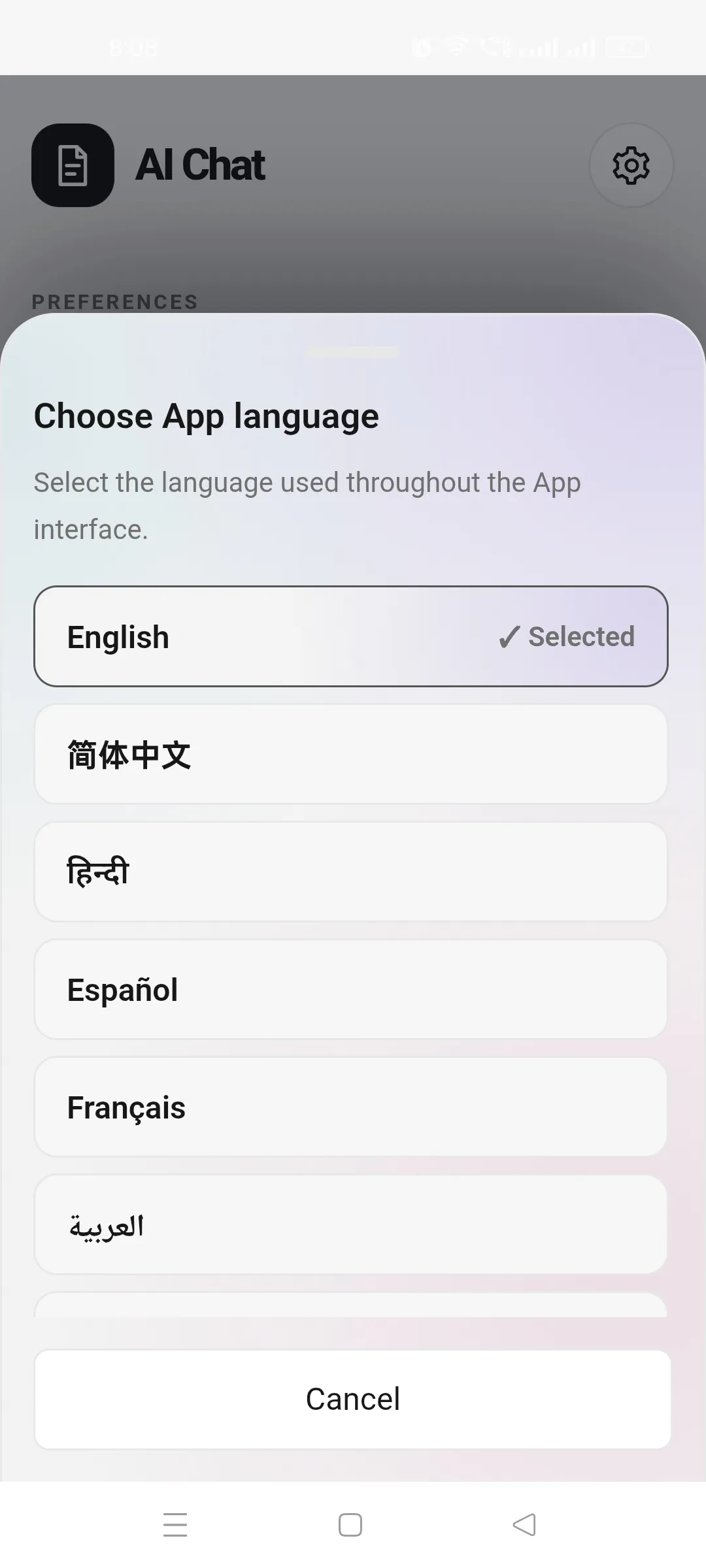
Made for more readers
Choose from a growing set of app languages, with thoughtful type support for scripts from around the world.
For the chats worth revisiting
Archive sources, reasoning, and follow-up questions as one readable document.
Turn tutorials and explainers into files you can review away from the chat window.
Share brainstorming, drafts, and useful answers without stitching together screenshots.
Private by design
No account, API key, or sign-in is required to export. Files are saved on your device. Optional backup goes to your own Google Drive; DubWave never stores a copy in its cloud.
FAQ
AI Chat Exporter supports public conversation links from ChatGPT and Gemini. Share a link directly to the app or paste it manually.
Choose PDF when you want a print-ready, fixed document. Choose HTML for a responsive file that adapts to different screen sizes.
No account, API key, or sign-in is required to create an export. Google sign-in is only needed if you choose optional Drive backup.
Generated files are saved in the app's local export library. Optional backup stores them in your own Google Drive account; DubWave does not keep a copy in its cloud.
Available for Android
AI Chat Exporter is an independent utility and is not affiliated with, endorsed by, or sponsored by OpenAI or Google. ChatGPT and Gemini are trademarks of their respective owners.